
Yesterday at work I finalised and uploaded a stamp and postal history auction that will happen on June 23rd, starting at 10AM. This post describes the process of creating and uploading this auction.
CATALOGUE CREATION
Creating an auction catalogue involves the use of ExCel, and in the case of this auction involved typing up handwritten descriptions provided by our stamp expert. All the lots also had be imaged, with some requiring image galleries rather than just a single image. It is not sensible for the describing to run too far ahead of the imaging – if a catalogue ends up going live with lots of missing images the first thing that happens thereafter is a flood of incoming emails on the theme of ‘where are the pictures for x lot?’. Therefore I followed a system of doing a chunk of typing, then a chunk of imaging and so on (usually 10 lots per block, and depending on the imaging required either five or six such blocks in a day). Going into yesterday I had 460 descriptions typed up and 451 lots imaged, and because my employer decided he wanted me to upload the catalogue that day I imaged lots 451-60 and then typed up the descriptions and imaged lots 461-470 before calling a halt.
THE PROCESS OF UPLOADING
We used two online platforms, the-saleroom.com and easyliveauction and the process auction creation is different for each. On the-saleroom it is easier to copy an old auction and change the details that need changing (date of sale, category of item being sold and so on) than to start the process from scratch. To be uploadable (this applies to both platforms) the catalogue has to be in csv format and set to comma delineated), while on the saleroom the images can be bulk uploaded by way of the media manager, a long but straightforward process. On easylive the image gallery has to be compressed before it can be uploaded, and when the compression has been done the images will be processed and then uploaded. Fortunately on this occasion there were no hitches, and the catalogue was ready to go on both platforms by not long after 2PM – and it would have been a little earlier than it was but for a little detail that forms a….
…CODA: THE COMPUTER IS NOT ALWAYS RIGHT
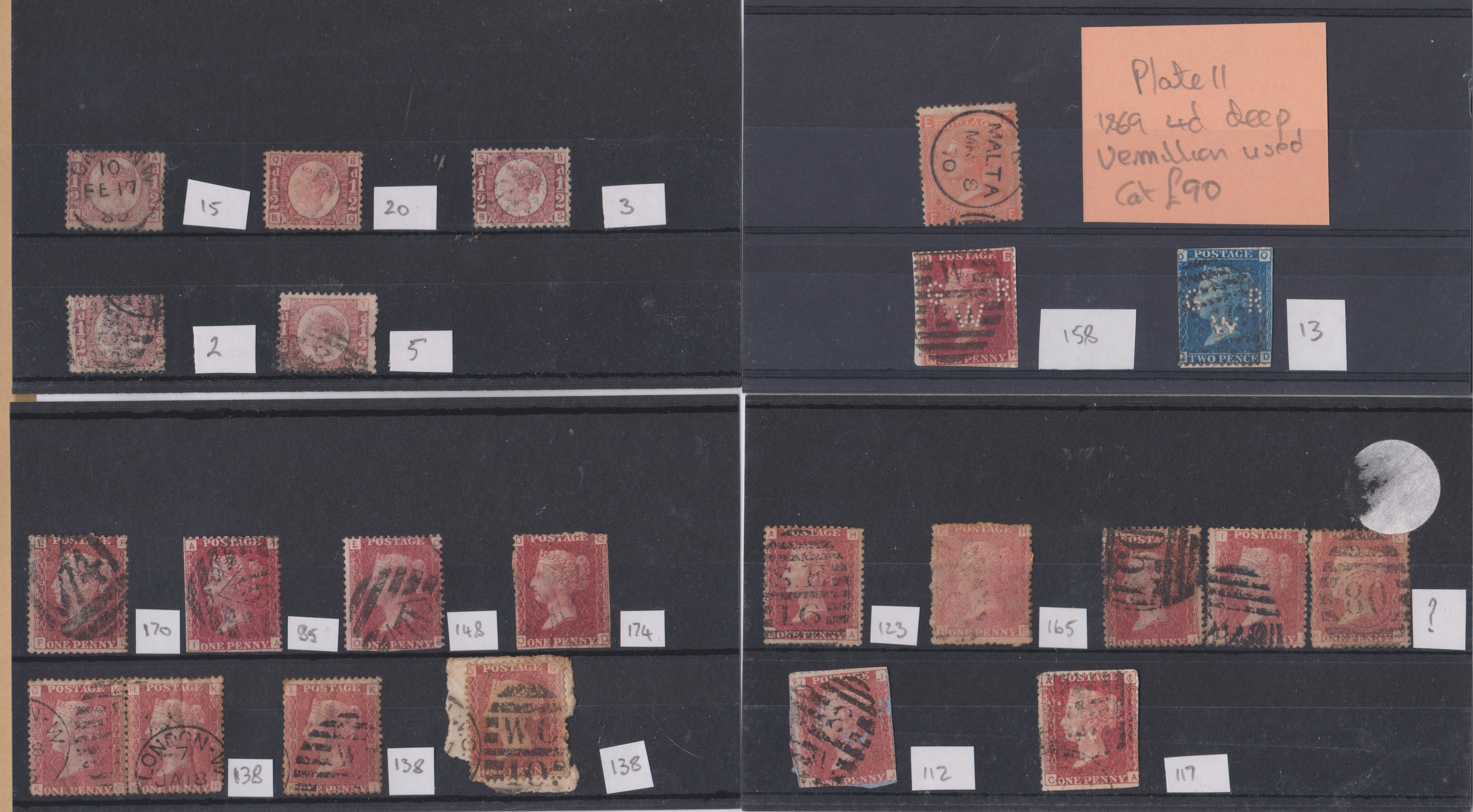
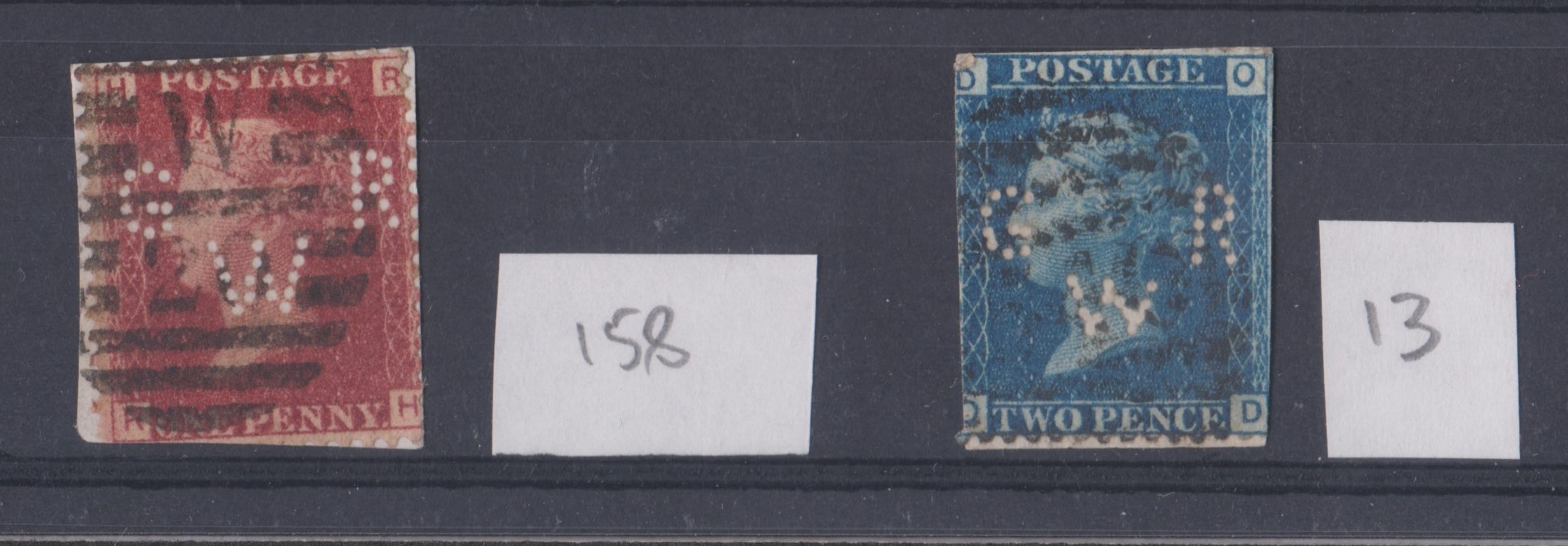
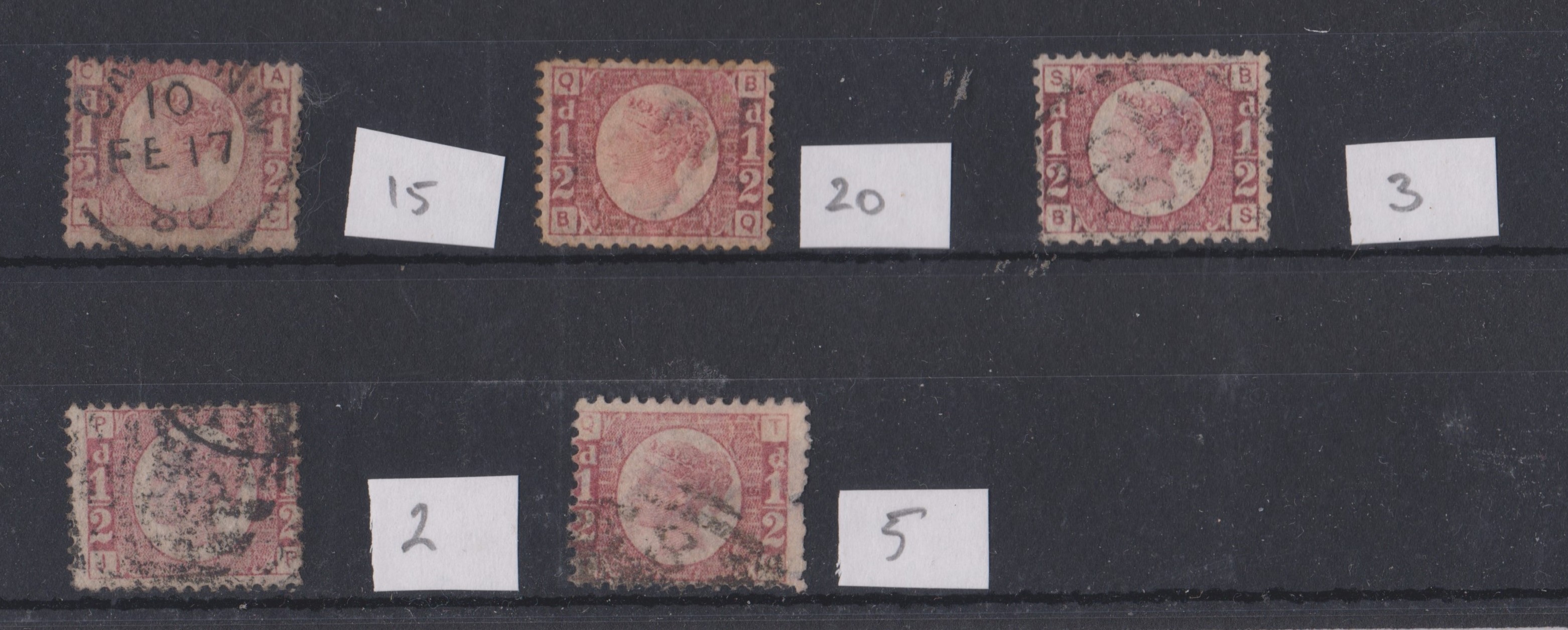
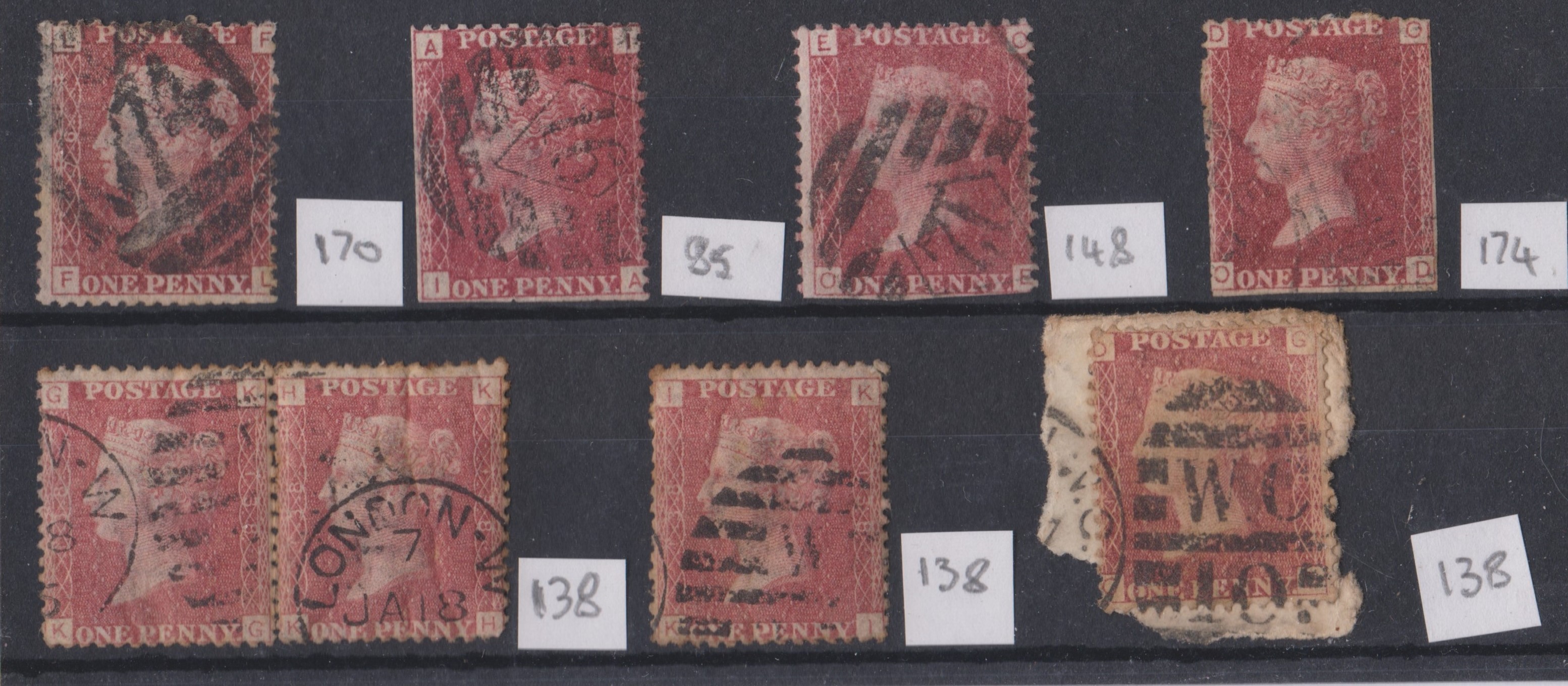
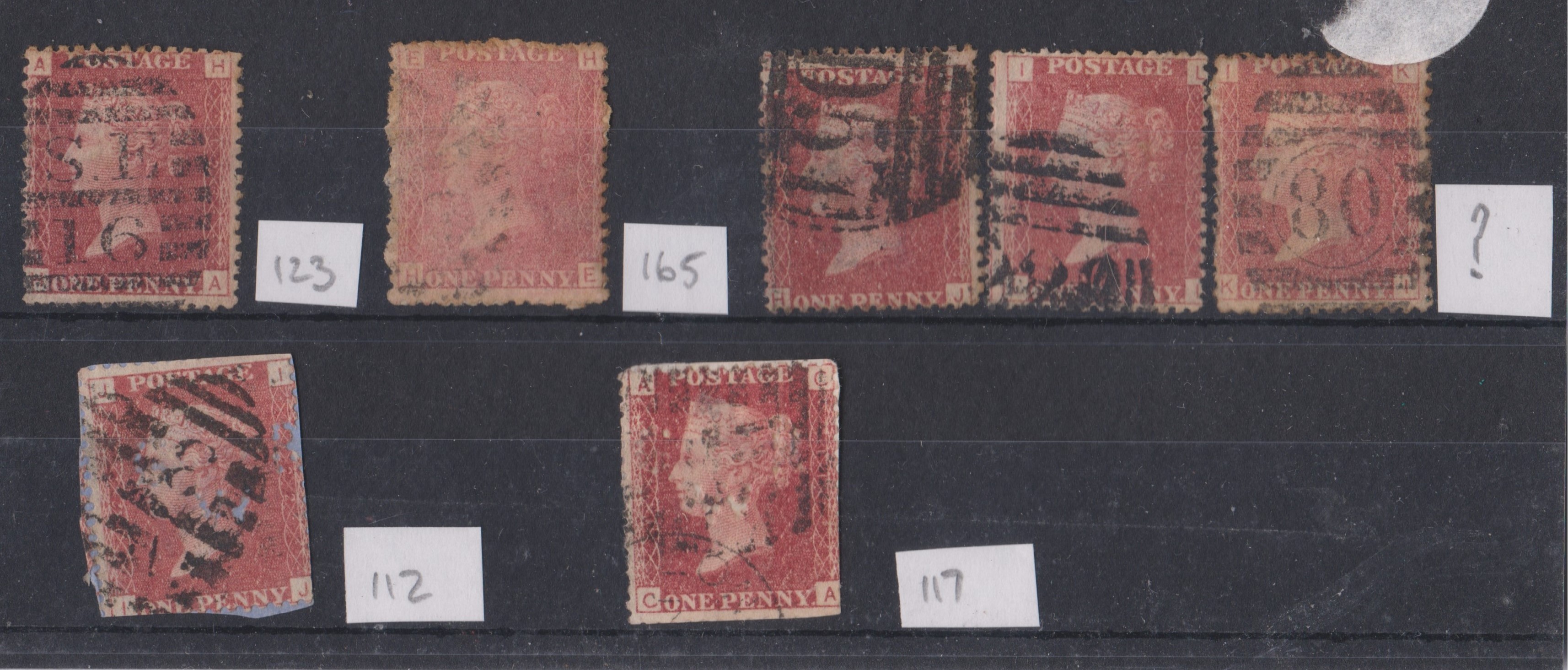
On the saleroom there are never problems with image galleries – the method used to separate main images from secondary images is one we adopted at their request. However for reasons which are beyond me the easylive system is not to be trusted in this regard. I went through the easylive gallery, and as I had anticipated most of the lots with multiple images had to have the so-called primary imaged changed. If it helps the programmers at easylive then when it is a catalogue I have been involved with the primary image is always the one whose name consist of just a number, while the secondary images, usually close ups of features of particular interest, have a number, a dash, and then a letter (or on odd occasions when the lot has warranted a really big gallery two letters). Once I had sorted everything I sent out emails to bidders in our two most recent stamp auctions. Before ending this part of the post with an illustrative example of an image gallery I offer you links to both catalogue listings:
A quick reminder – click on an image to view it at a larger size.
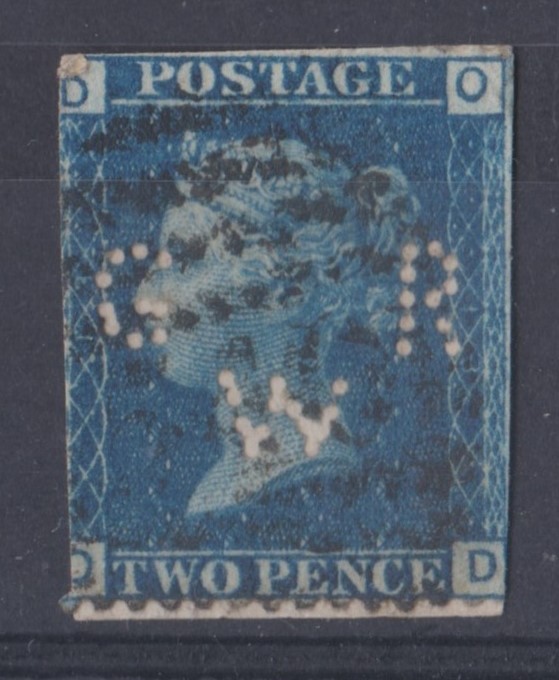
PHOTOGRAPHS
My usual sign off…